
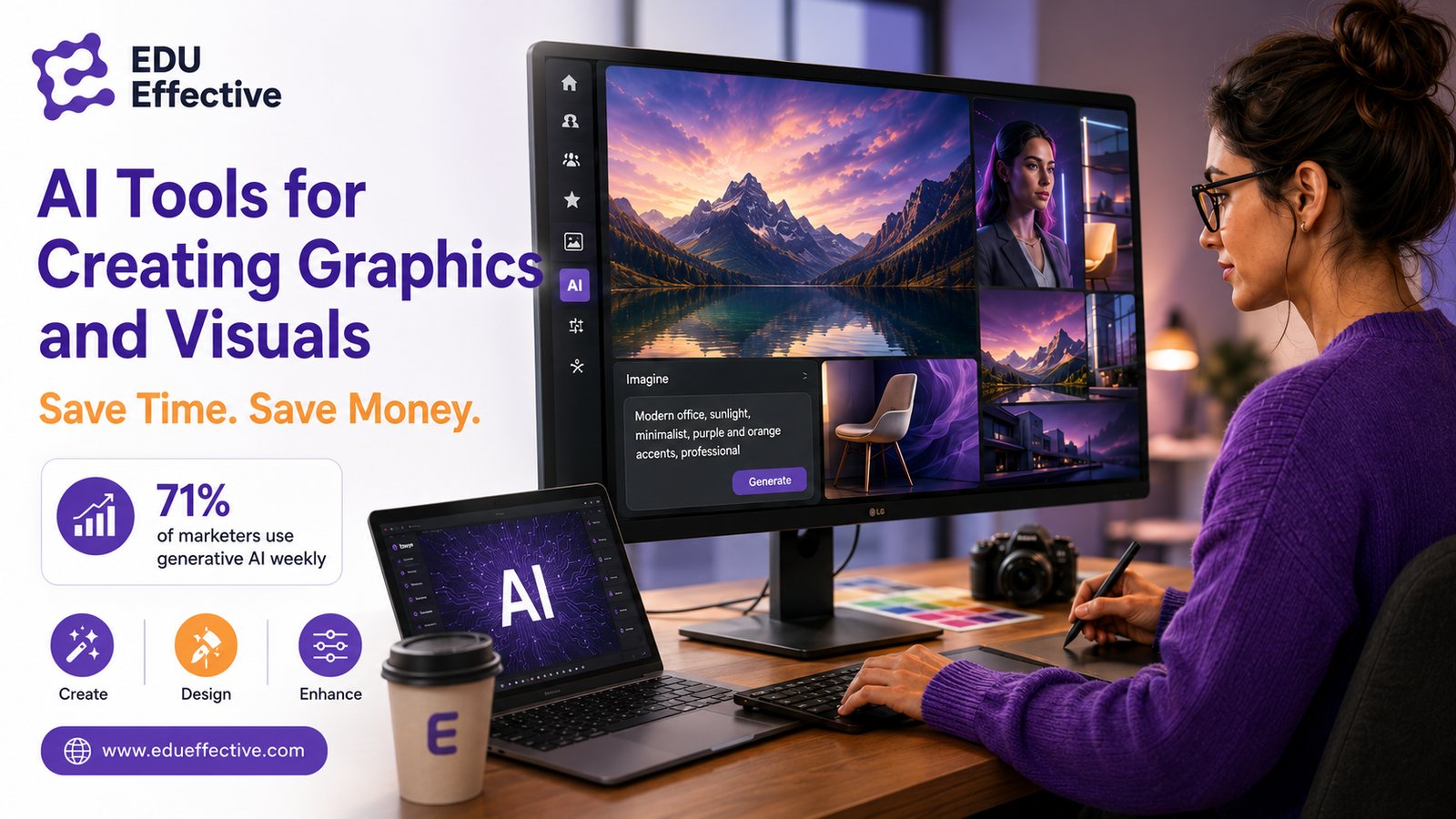

Need a visual for a presentation, a social post, a campaign banner — and you need it now, not next week? What used to take a designer days in a graphic editor now takes a few minutes, and the gap between those two numbers is where most of the value sits.
Artificial intelligence gets better with every prompt cycle. It generates realistic photos, polished illustrations, enhances existing images — all in seconds. It's also easier to use than most people assume before they actually try it.
What to Look For Before You Pick a Tool
The sheer number of options is the first obstacle. Most people give up not because AI can't help, but because they got lost in a confusing setup before generating anything useful. Check these before you commit:
- Licensing — can you actually use the output commercially?
- Quality — do you need photorealism, illustration, or reliable text rendering?
- Style consistency — does it hold a coherent look across multiple visuals?
- Speed and pricing — how fast is generation, and what do credit limits actually cost?
- Integration — does it plug into PowerPoint, Photoshop, or Canva, or does it live on an island?
The Tools Actually Worth Your Time
71% of marketers now use generative AI weekly or more, and almost 20% daily. Canva's own data puts 82% of business leaders using AI tools for visual content in the past year.
The internet is flooded with options. Here's the shortlist, each with a clear reason to reach for it:
- Midjourney V7 — high-end photorealism with consistent styles across a campaign or moodboard.
- Leonardo.ai — strong for brand design and team collaboration, keeps characters and styles consistent.
- Ideogram 3.0 — the one to reach for when text has to live inside the image: posters, packaging, typography.
- Recraft.ai — scalable vector and icon generation with clean SVG export, good for brand assets.
- Google ImageFX — lightweight, fast text-to-image, zero setup.
- Adobe Firefly — commercially safe licensing, deeply integrated into Photoshop and Illustrator.
- Canva Magic Studio — an all-in-one option for non-designers: images, video, social posts, pitch decks.
- Runway Gen-3 & Pika — text-to-video for previews, clips, and social ads.
- ClipDrop — retouching, scene expansion, relighting — without opening Photoshop.
- Magnific AI — upscaling and image quality enhancement.
- FLUX (Black Forest Labs) — cloud-based models for text-to-image and image-to-image work.
- Stable Diffusion SDXL — open ecosystem, good for custom pipelines and automation.
- NightCafe — community platform with multiple models, useful for testing styles side by side.
- Freepik Mystic AI — photorealistic marketing visuals inside Freepik's ecosystem.
This isn't hypothetical savings. Klarna reports cutting close to $10 million annually, with $6 million of that from visual content production alone.
A Pocket Guide to Prompts That Actually Work
Vague prompts produce vague results, almost every time. Four rules fix most of it:
- Content, style, lighting together. "Portrait of a woman, natural light, 85mm, f/1.8, business style" beats "professional headshot" by a wide margin.
- State your constraints. "No text, soft colors, no watermarks" — say what you don't want, not just what you do.
- Add references. Sample images, logos, a color palette — anything that anchors the output to something concrete.
- Generate 3–4 versions, then pick. The first result is rarely the best one; it's just the fastest one.
Using AI Visuals Responsibly
KPMG found 61% of business leaders flagged copyright and legal risk as a top concern with generative AI. Deloitte still lists risk and regulation among the main barriers to scaling AI use.
- Not every AI-generated asset is cleared for commercial use — check before you publish, not after.
- Read the licensing terms for each specific tool; they differ more than people expect.
- Set internal rules for storing prompts and labeling AI-generated assets so nobody's guessing later.
Matching the Tool to the Job
The Nielsen Norman Group found an average 66% productivity boost when generative AI gets used in real tasks. Here's a working combo for business use:
- Quick concepts: Google ImageFX
- Style & consistency: Midjourney, Leonardo
- Text & vectors: Ideogram, Recraft
- Full workflow: Firefly, Canva
- Video: Runway, Pika
- Final polish: ClipDrop, Magnific
You don't need to master all fifteen tools. You need to know which one to reach for.
Study AI Programs at EDU Effective
Forbes reports 71% of employers now prefer candidates with AI skills over candidates with more experience but no AI fluency. Worth sitting with for a moment.
EDU Effective Business School runs two fully online AI programs: Effective MBA: Applied Artificial Intelligence and Effective MBA: Mastery in AI. No commute — just a laptop or phone, and a new 15-minute block unlocked each day.
Not focused on AI specifically? Other best-selling specializations cover online marketing, coaching & mentoring, and executive management & leadership.
Sources
- OpenAI — How People Are Using ChatGPT
- AMA — Generative AI Takes Off with Marketers
- BusinessWire — AI Accelerating Visual Content Creation
- Reuters — Klarna cuts marketing costs by $10M annually
- KPMG — Accelerating Gen AI Adoption
- Nielsen Norman Group — AI Tools Productivity Gains
- Harvard Business Review — GenAI's Impact on Productivity
- Forbes — 71% of Employers Prefer AI Skills