
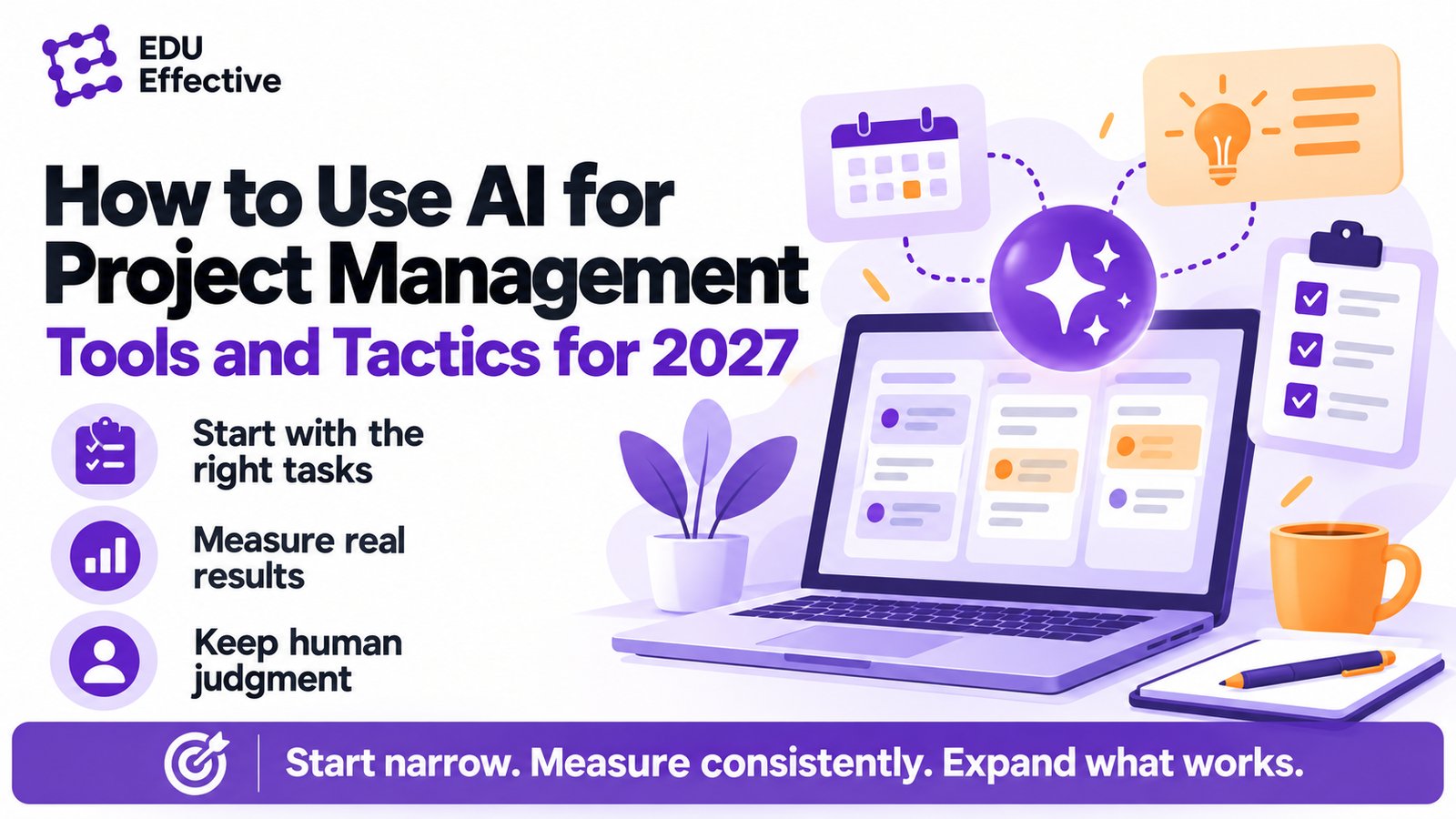

Most project managers who have tried AI tools in their workflow hit the same wall six weeks in. The tool was useful for a few things. Then the initial enthusiasm faded, the team went back to doing most things manually, and the AI subscription became a line item nobody questioned because nobody wanted to admit the experiment had stalled.
This is not a technology problem. It is a sequencing problem. AI in project management works — but it works when you start with the right tasks, in the right order, with the right expectations about what the tool does and what the manager still has to do.
Here is what the 2025 and 2026 evidence says about where to start, which tools matter, and what tactics actually change outcomes.
Why Most AI PM Pilots Stall
PMI research from 2025 found that only 12% of organizations have adopted AI in project management substantially, despite the fact that 55% of PM software buyers cited AI capabilities as their primary reason for a recent tool purchase (Capterra, 2025 PM Software Trends Survey). The gap between buying and using is wide.
The reason is usually one of three things.
The team deploys AI into a broken process. AI tools amplify what already exists. If your project data is inconsistent, your status reports are written differently by every PM, and your risk log has not been updated since the project kicked off — an AI agent working with that data will produce outputs that are confidently formatted and substantively useless. Data quality comes first.
The scope is too broad. A team that tries to automate risk management, resource planning, reporting, and stakeholder communication simultaneously is running four experiments at once, with no clean way to measure what worked. One use case, piloted properly, is worth more than five use cases piloted superficially.
There is no approval boundary. Teams that give AI agents the ability to update schedules, reassign tasks, or send stakeholder updates without human review create incidents that erode trust quickly. One wrong automated status report sent to a senior stakeholder is enough to make a team revert to spreadsheets.
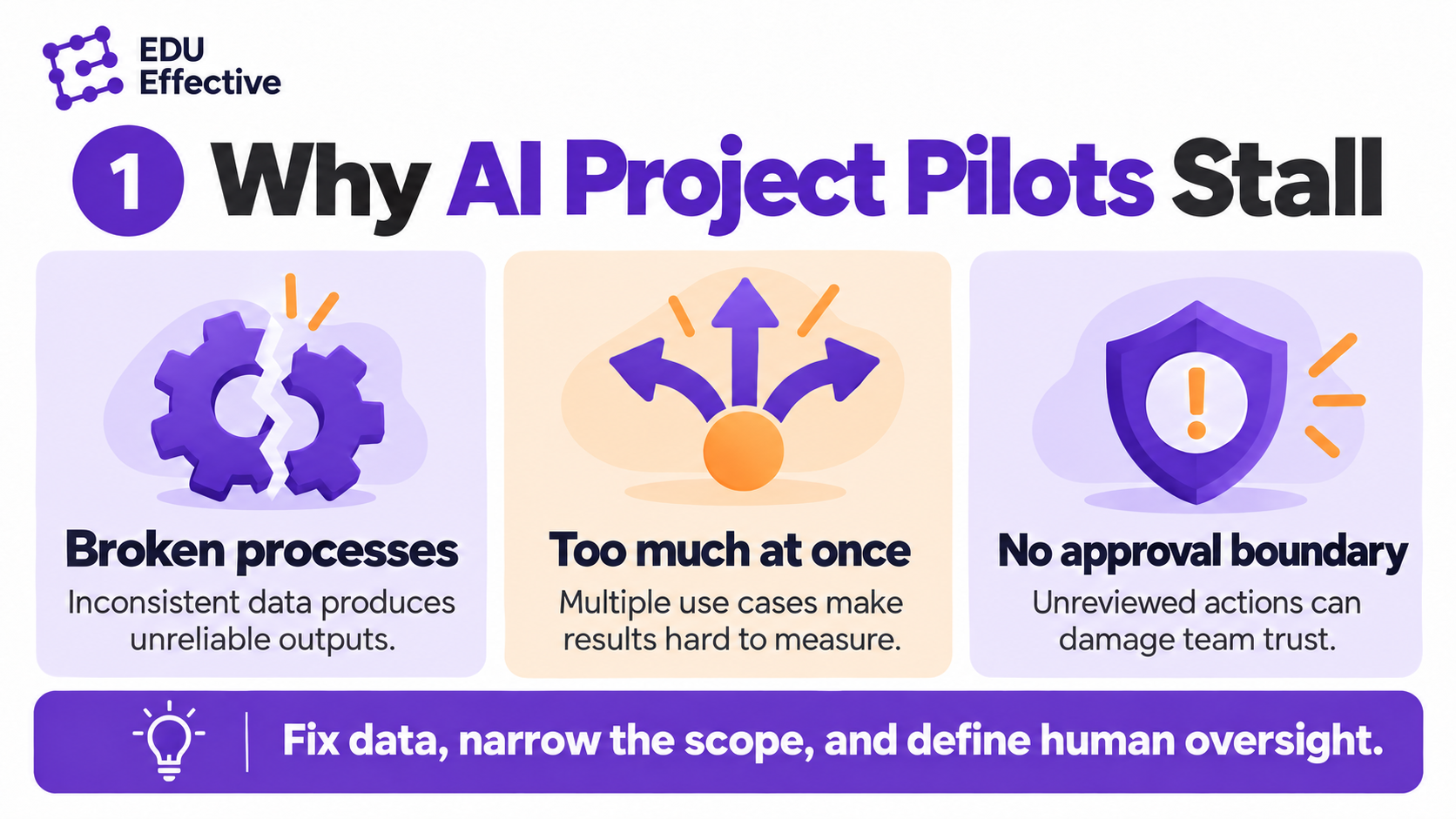
The organizations that get past the pilot phase — like Expedia Group, which reached 70% Rovo adoption within eight weeks of rollout and had teams building 200 custom AI agents within six weeks — start narrow, measure consistently, and expand only when the first use case is producing reliable results.
The Four Use Cases Worth Starting With
Not all AI project management applications are equal. These four have the most consistent evidence behind them and the lowest risk of generating outputs that create problems.
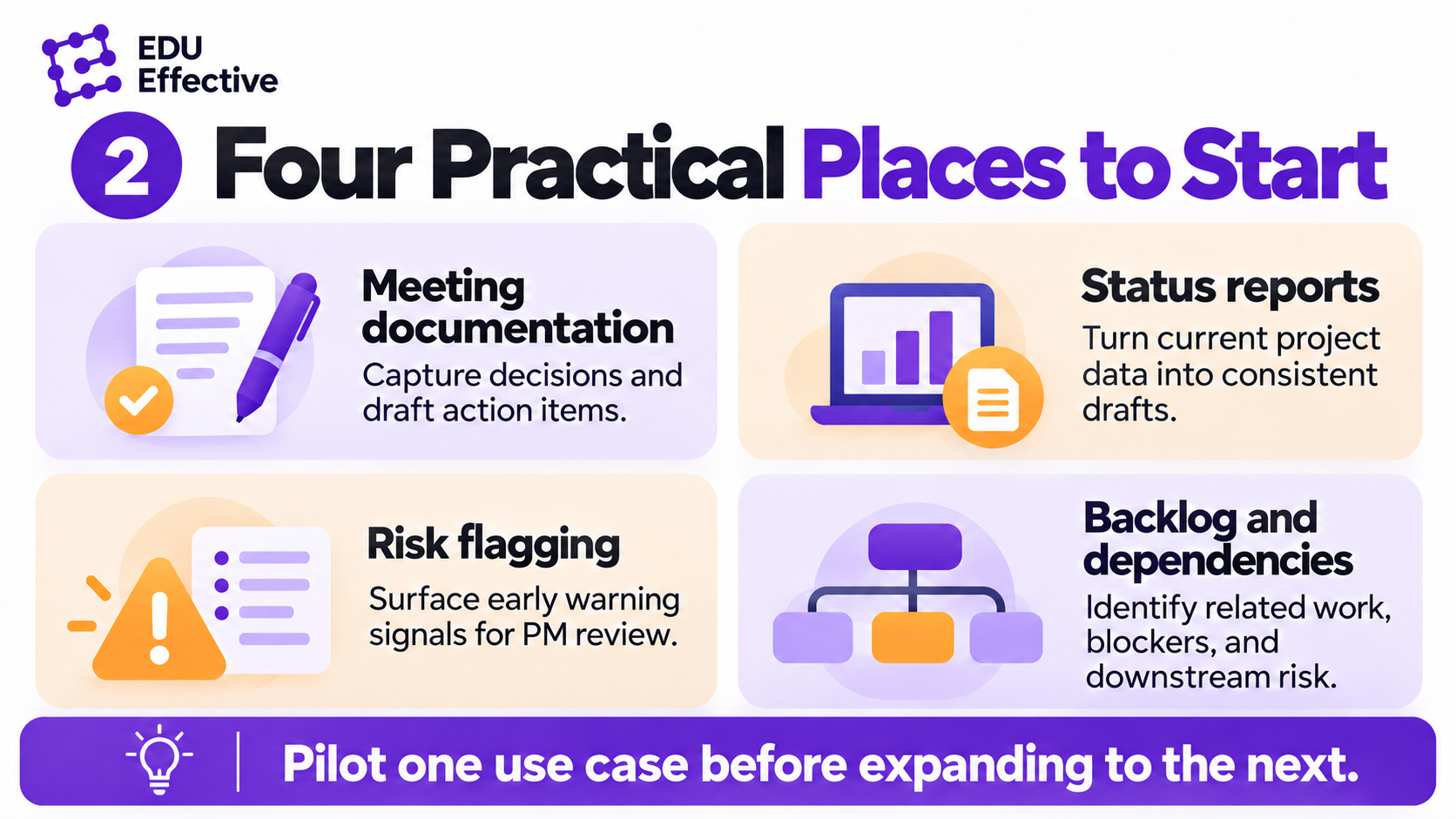
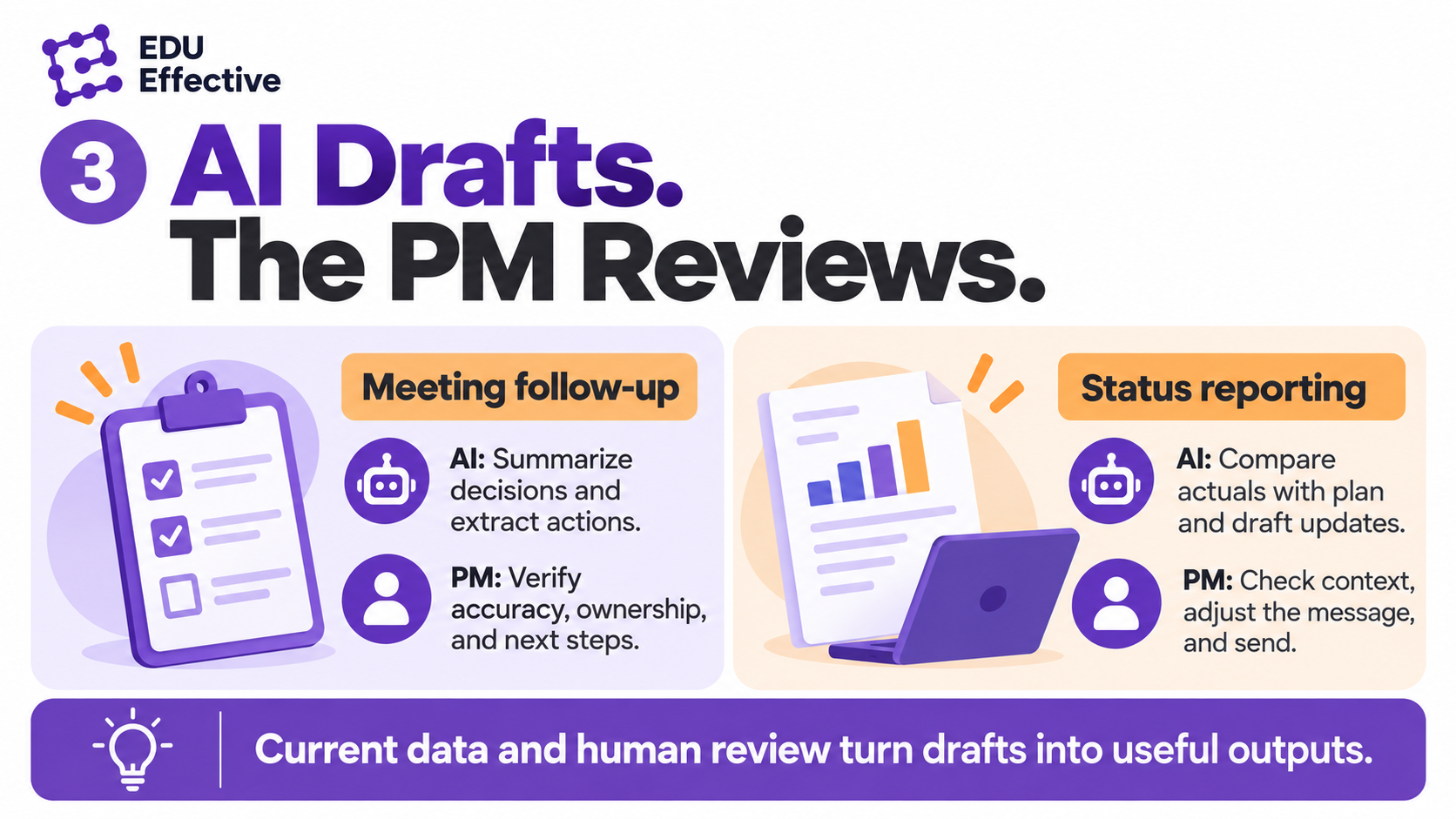
Meeting documentation and action tracking. AI tools that join meetings, transcribe them, extract action items, and update the project task list are saving project managers between 30 minutes and two hours per week in manual note-taking and follow-up drafting. Tools like ClickUp’s AI Notetaker and Notion AI do this natively. The output is not perfect — it needs review — but it is faster than starting from a blank document, and it creates a searchable record of every decision made in every meeting.
Status report generation. A project manager running three or four workstreams writes a lot of status reports. AI agents can pull metrics from your project tool, compare actuals to plan, identify variances, and draft a status report in a consistent format. The PM reviews, adjusts, and sends. What used to take 45 minutes takes 10. Wrike’s AI agents and Monday.com’s Sidekick both handle this natively. The discipline required is keeping your project data current — the AI can only report what is in the system.
Risk flagging. AI systems that monitor project signals — schedule variance, budget burn rate, resource utilization, issue velocity — can surface early warnings that a traditional weekly status meeting would miss. The AI does not decide what to do about the risk. It makes sure the PM knows about it before it becomes critical. This is one of the highest-value applications in project risk management, and it is the use case where the gap between AI-assisted teams and unassisted teams is most visible over a multi-month project.
Backlog and dependency management. For teams running agile or hybrid methodologies, AI tools that group related work items, surface dependencies, and flag sprint-at-risk signals reduce the cognitive load of backlog maintenance significantly. Atlassian’s Rovo agents and Linear’s Triage Intelligence both work in this space. The output needs PM judgment to act on, but the signal detection — identifying which items are related, which are blocked, which are creating downstream risk — is genuinely faster with AI than without it.
A Practical Look at the Tool Landscape in 2026
The AI project management tools market has consolidated around a few platforms that have moved beyond bolt-on features to native AI integration. Here is where the leading tools stand.
Wrike has built one of the more mature AI agent frameworks, with a no-code agent builder, three starter agents (risk, triage, intake), and a reasoning log that shows the project manager why the agent took a specific action. Starting at $10/user/month, it is a realistic entry point for teams of any size.
Asana introduced AI Studio for no-code workflow automation and “AI teammates” with team-wide memory — meaning the AI accumulates context about how your specific team works over time. Pricing is credit-based, which makes cost predictability harder.
ClickUp offers ClickUp Brain and Super Agents that can be assigned tasks directly or @mentioned in conversations. The AI Notetaker integration is one of the more practical implementations of meeting-to-task automation currently available.
Monday.com Sidekick handles natural-language queries about project status, drag-and-drop AI blocks for board logic, and automatic project setup generation from a brief.
Notion AI connects across Slack, Google Drive, Jira, and GitHub, respecting source permissions. For project managers who work across multiple tools and need to synthesize information quickly, the cross-tool search capability is the most distinctive feature.
Motion takes a different approach — it focuses on time, automatically rescheduling the project manager’s calendar when priorities shift and protecting deep-work blocks. Less about project data, more about the PM’s own productivity.
The right choice depends on what your team already uses. AI tools that work natively inside your current stack avoid the coordination cost of running parallel systems and the data quality problems that come from information living in two places.
Tactics That Separate Teams That Get Results
Beyond tool selection, the teams producing measurable results from AI in project management share a set of operational habits.
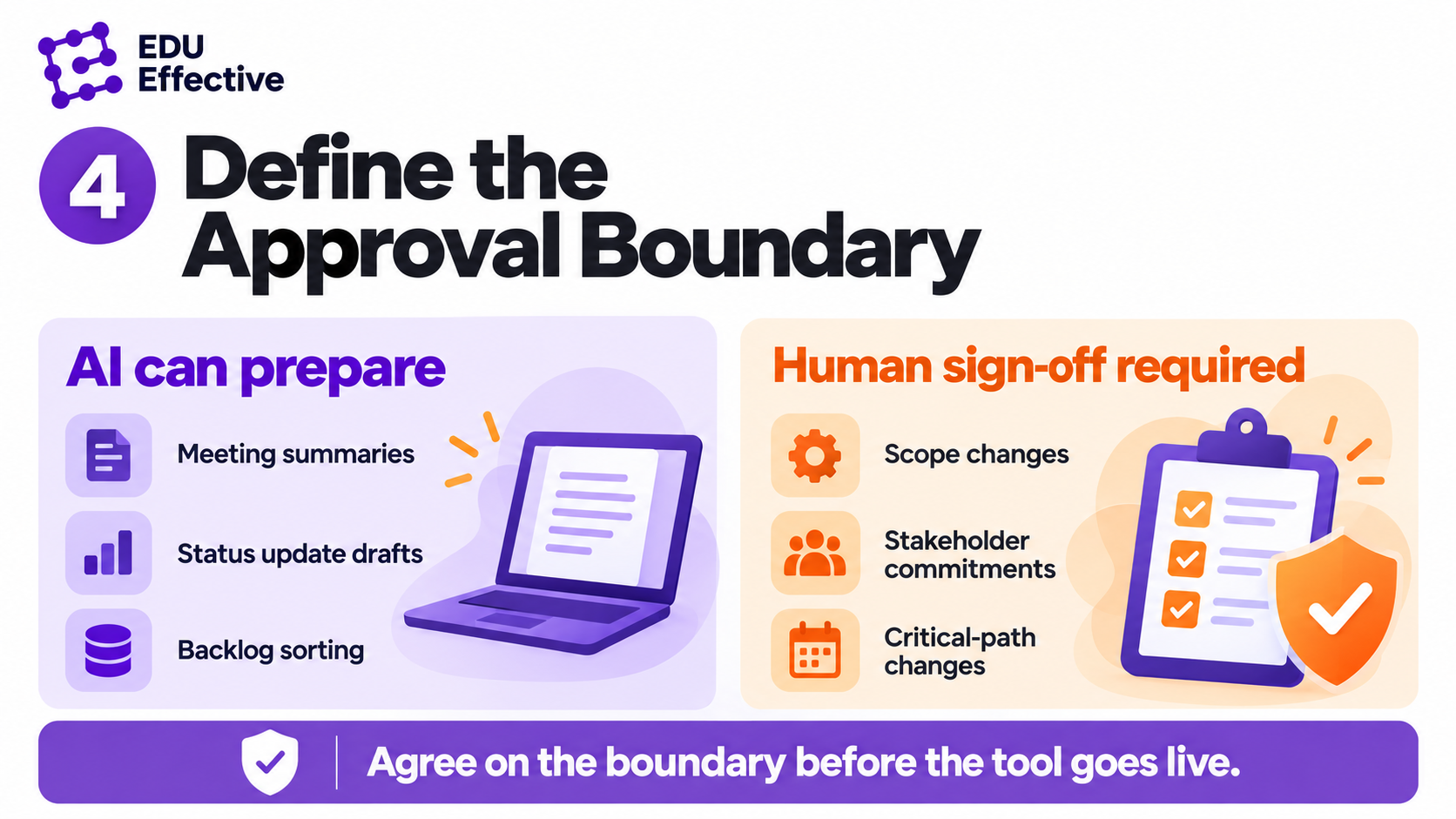
They define the approval boundary explicitly. Routine tasks — status update drafts, meeting summaries, backlog sorting — run autonomously. Anything that changes scope, affects a commitment to a stakeholder, or modifies the critical path requires human sign-off. This boundary is stated clearly to the team before the tool goes live. Without it, the first unexpected autonomous action creates a trust problem that takes months to repair. how to write a business case that gets internal sign-off approved
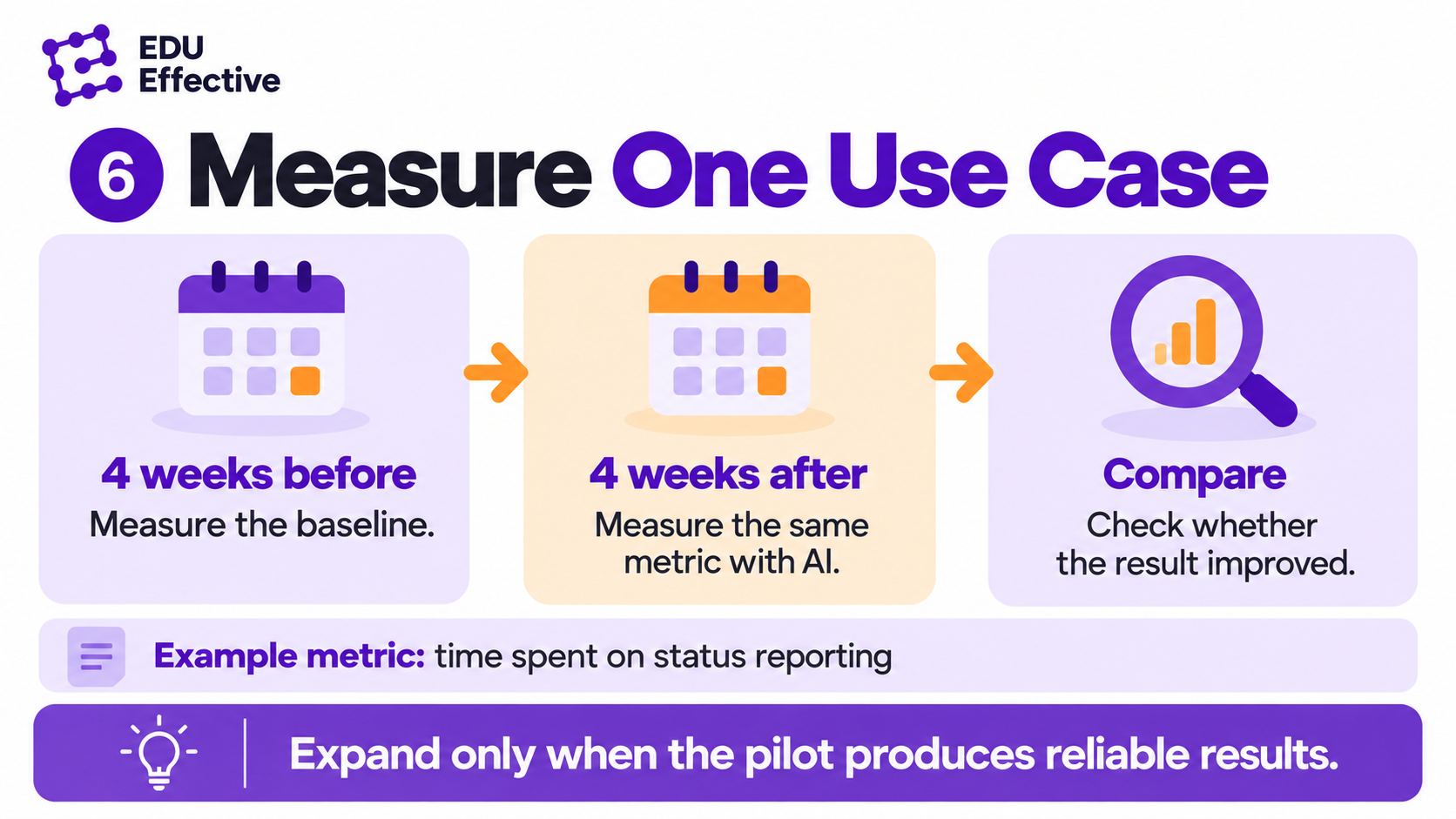
They set one measurement. Before launching a pilot, they pick one metric: time spent on status reporting, number of risk flags surfaced before they became issues, sprint completion rate. They measure it for four weeks before the AI is introduced and four weeks after. The number either moves or it does not. This is the only honest way to know whether the tool is working.
They review the AI’s reasoning, not just its output. Tools like Wrike’s agent log show why an agent flagged a particular task or generated a specific recommendation. Project managers who read those reasoning logs catch errors earlier and develop a calibrated sense of where the AI is reliable and where it needs oversight. Teams that treat AI output as a black box accumulate errors they do not catch until they become visible to stakeholders.
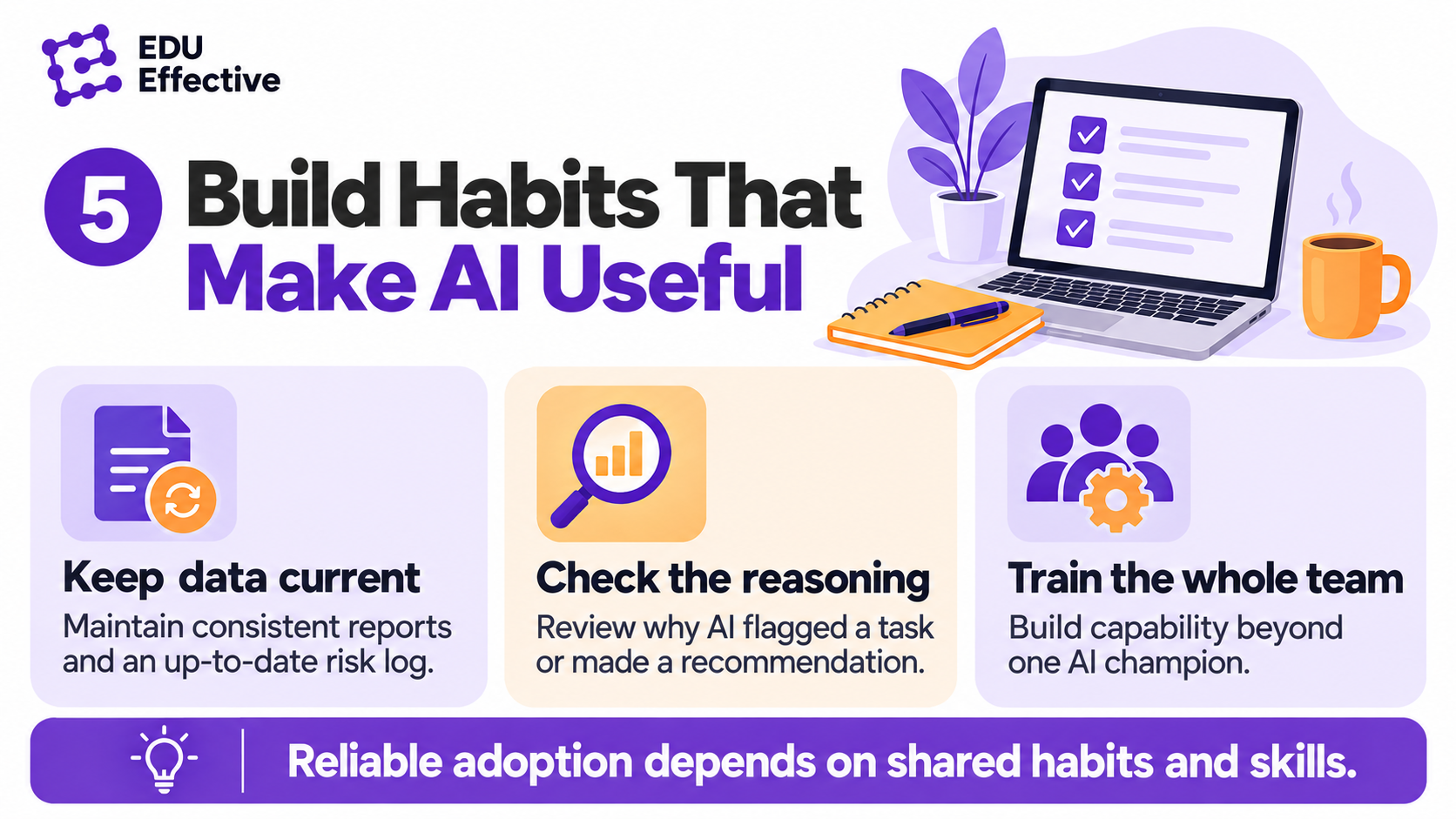
They build the team’s capability, not just their own. AI project management adoption fails when it depends on one person who understands the tool. Teams that invest in basic training for every PM — two hours, focused on the specific use cases the team has decided to pilot — have consistently higher adoption and lower error rates than teams where the tool is the exclusive domain of a champion.
What to Expect by 2027
AI agents in project management will shift from reactive (answering queries, drafting reports) to proactive (identifying risks unprompted, suggesting schedule adjustments, flagging resource conflicts before they surface in a status meeting) over the next 12 to 18 months. The tools are already moving in this direction — the same shift from assistance to autonomous agents is visible in other functions, for example in how AI agents are changing sales teams. 86% of enterprises rank AI and big data among their top-priority workforce skills for the next three to five years, per a 2025 AI TechPark survey. what will actually change in the future of work by 2027
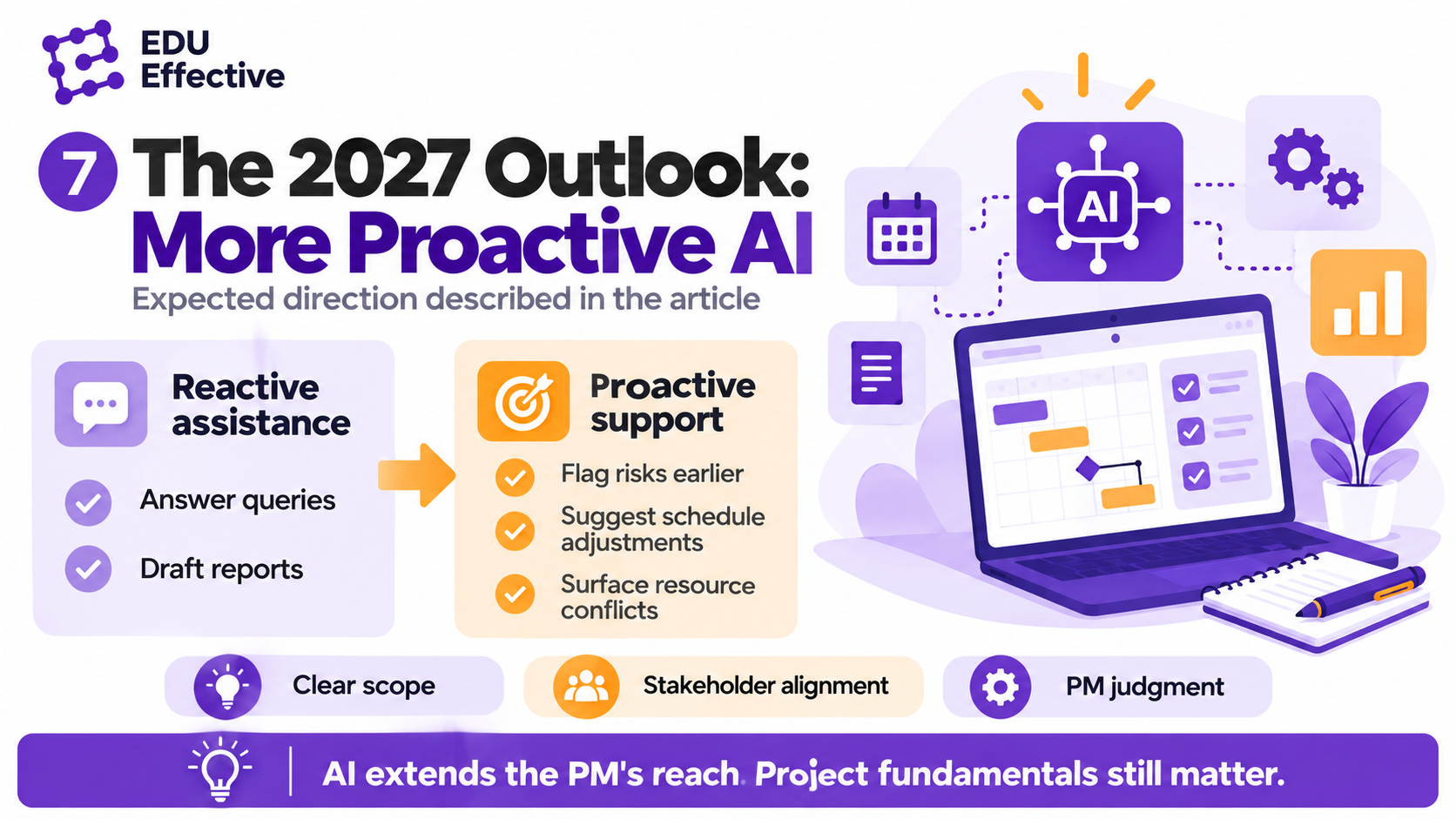
The project managers who will be most effective in 2027 are not those who know the most about AI. They are those who know how to integrate AI into a rigorous project management discipline — using it to extend their reach, maintain better data, and catch problems earlier, while retaining judgment over the decisions that actually matter.
AI is not a replacement for project management fundamentals. The 2025 PMI data on project success rates — 50% of projects globally successful, 37% mixed, 13% failed — has not moved significantly in years, despite an entire industry of tools and certifications. The constraint on project success has never primarily been information processing speed. It has been clarity of scope, quality of stakeholder alignment, and the PM’s ability to make good decisions under uncertainty. AI makes the first part faster. It does not replace the other two.
Build the Project Leadership That Makes AI Work
Managers who combine project management fundamentals with a practical understanding of AI tools and automation run projects that finish on time, on budget, and with teams that adopt new technology instead of abandoning it. The Effective MBA develops that combination.
About EDU Effective Business School
The Effective MBA: Applied Artificial Intelligence turns AI capability into decisions a manager can defend. Runs on 15 minutes a day, completes in 10 months or less and is ASIC accredited.
Sources
- PMI (Project Management Institute) — GenAI and Project Management research: https://www.pmi.org/ai
- Capterra — PM Software Trends Survey: https://www.capterra.com
- Capterra — Most Impactful Project Management Tools Survey: https://www.capterra.com
- Atlassian — AI Agents in Project Management (Rovo adoption case, Expedia Group): https://www.atlassian.com/agile/project-management/ai-agents
- Wrike — AI Project Management Tools Guide: https://www.wrike.com/blog/ai-project-management-tools/
- PMI — Project Success Report: https://www.pmi.org/learning/library